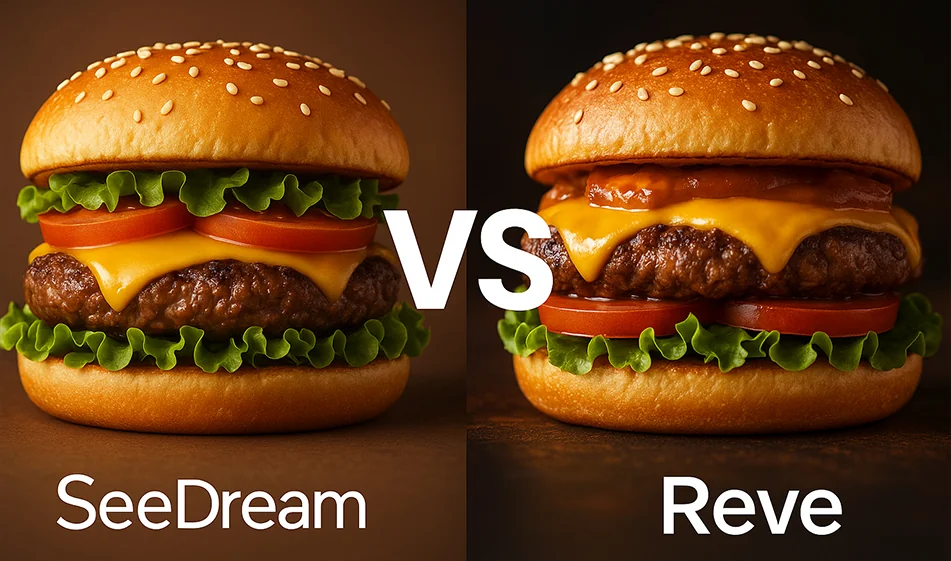
🆚 Seedream vs Reve - comparing two AI image generation tools

🆚 Seedream vs Reve - comparing two AI image generation tools

💡 Compass Tip

If you want to choose a powerful image generation tool, the idea is not "who's absolutely best", but "who's best for your purpose". Here's the practical difference between Seedream and Reve:

1) Seedream: High resolution + editing + reference stabilization

  • Powerful when you need crystal-clear images and fine details for products, ads, or professional visual content.
  • Excellent if you want to maintain a consistent look (same character or same product) across multiple images, with text-driven adjustments.
  • Suitable for realistic results and advertising shots that need consistency in lighting and colors.

When to choose it?
If you prioritize quality, consistency, and professional results for your ads and visual identity.

2) Reve: Strong adherence to the description + fast editing + free trial

  • Suitable when you want to generate entirely new images from text quickly, with a clear commitment to what you write in the prompt.
  • Good for varied styles and quick creative ideas, with the ability to easily modify the result.
  • Usually offers a free trial to try it out before moving to the paid plan.

When to choose it?
If your priorities are fast experimentation, generating lots of ideas, and a strong commitment to textual description.

Quick summary

  • Choose Seedream if you need: High quality + reference consistency + ad-ready images.
  • Choose Reve if you need: Generate from text quickly + Lots of ideas + Free trial.

For more AI tools: bosala.ai

December 18, 2025 03:13 AM GMT
About Seedream AI

🖼️ Name of the tool:

Seedream AI

🔖 Tool Category:

Text-to-Image Generator

✏️ What does it do?

Seedream AI converts text descriptions into high-resolution images using an advanced AI model.

⭐️ What does the tool actually offer based on user experiences?

According to the official website, Seedream AI provides:
  1. Convert text descriptions to images with up to 2K resolution.
  2. Support for multiple aspect ratios (e.g. 1:1, 16:9, 9:16) to suit different design needs.
  3. Simple and intuitive user interface with no login required.
  4. Generated images can be used for personal and commercial purposes.
  5. No limits on the number of images that can be generated per day.

🤖 Does the tool have automation features?

Yes, the tool relies on an advanced artificial intelligence model known as "Mogao", which uses multimodal transformation and parallel propagation techniques to accurately understand textual descriptions and transform them into realistic images.

💵 Type of tool (in terms of cost):

Completely free.

🎁 Is the free version trial or completely free?

The tool is completely free with no registration or subscription required, and there are no restrictions on the number of images that can be created per day.

💳 What does the free version offer?

The free version allows:
  1. Create an unlimited number of images.
  2. Support for multiple aspect ratios.
  3. Use the generated images for personal and commercial purposes.
  4. No need to log in or create an account.

💳 What does the paid version offer?

There is currently no paid version; all features are available for free.

⚙️ Access or source:

The tool can be accessed via the official website: h ttps://seedream.pro/

🔗 Link to try the tool:

👉 https://seedream.pro/