Vectorizer.AI
الوصف
🖼️ Tool Name:
Vectorizer.AI
🔖 Tool Category:
أداة تحويل الصور النقطية إلى صور متجهة (AI Raster-to-Vector Converter)
✏️ What does this tool offer?
تحويل الصور (JPEG, PNG, BMP, GIF) إلى ملفات متجهة (SVG, PDF, EPS, DXF).
استخدام محرك Deep Vector Engine المبني على الذكاء الاصطناعي والهندسة الحسابية لتحسين الأشكال والمنحنيات.
خيارات متقدمة مثل: تحسين الزوايا، دعم الأشكال الهندسية (دوائر، نجوم، مستطيلات بزوايا مدوّرة).
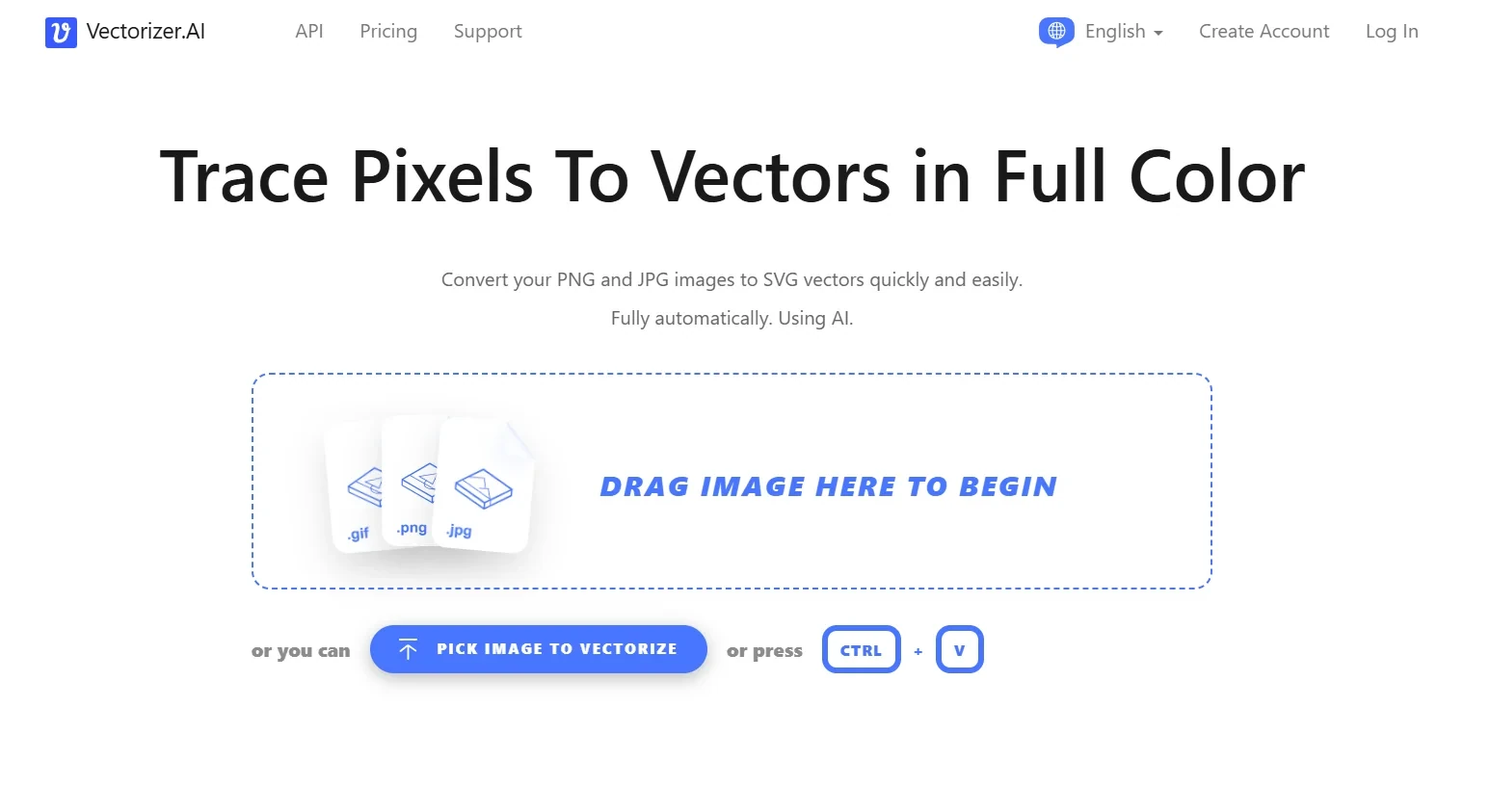
واجهة بسيطة بالسحب والإفلات مع معاينة فورية للنتيجة.
⭐ What does the tool actually deliver based on user experience?
نتائج دقيقة وسريعة للصور الواضحة عالية الجودة.
أداة مفيدة للمصممين والطباعة (شعارات، ملصقات، قص بالليزر).
الصور المعقدة جدًا أو ذات ضوضاء عالية قد تحتاج تعديلات إضافية بعد التحويل.
🤖 Does it include automation?
نعم: التحويل يتم تلقائيًا بالكامل عبر الذكاء الاصطناعي.
الأداة تتعرف على الأشكال والمنحنيات وتحوّلها دون تدخل يدوي كبير.
💰 Pricing Model:
Freemium + اشتراكات مدفوعة + خطط API.
🆓 Free Plan Details:
رفع الصور ومعاينة النتيجة مجاني.
تنزيل الملفات المتجهة يتطلب اشتراك.
💳 Paid Plan Details:
Web App Unlimited: حوالي $9.99/شهر مع تحويل غير محدود من خلال المتصفح.
API Plans: تبدأ من 50 credits مقابل $9.99/شهر (≈ 0.20$/صورة) مع أسعار أقل للوحدات كلما ارتفع الاستخدام.
خطط أعلى للشركات لمعالجة آلاف الصور شهريًا.
🧭 Access Method:
عبر المتصفح (Web App).
واجهة API للدمج في الأنظمة أو البرمجيات.
🔗 Experience Link:
Vectorizer.AI — الموقع الرسمي