Levio
Content Management Summaries, Headlines & Ideas Audio & Voice Audio Cleanup & Mixing Editorial Calendars & Scheduling Video Generation & Editing Text and Images to Video Motion, Titles & Subtitles Social Templates & Auto-Editing Video Ideas & Scripting Automation & Agents Marketing & Sales Free Trial
Features
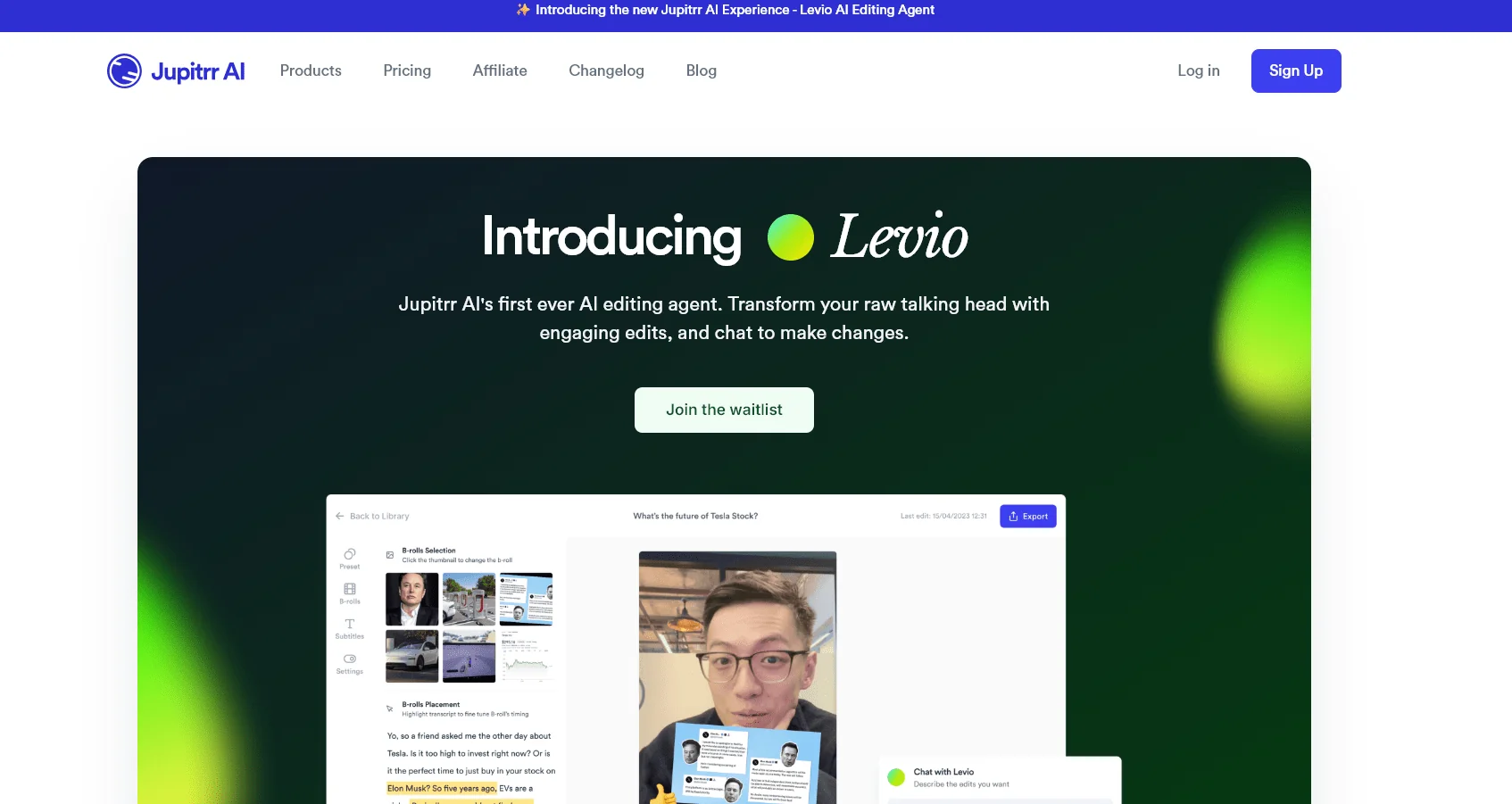
- Levio edits raw footage automatically with hooks, animated subtitles, B-roll, GIFs, emojis and motion graphics
- Adds transitions, brand logo, closing sequence, AI background music and color grading
- Refines videos by typing change requests in chat
- Talking head video editor and audio-to-video converter
- Converts long videos into short clips
- Teleprompter app and audio recording
- AI scriptwriting, viral video search and AI content planner
- Social media publishing, content calendar and video analytics
- Premium iStock B-roll access on paid plans
- Branded presets, brand kits and team collaboration
- Free tools such as screen recorder, video compressor, resizer and MP4/MP3 converter
Pricing Details
Jupitrr AI uses a freemium model with paid monthly subscription plans and offers an AI-powered video editor designed specifically for coaches, consultants, business owners, and content creators, while Levio, Jupitrr AI’s new AI editing agent, is currently available via a waitlist. The Free plan starts at $0 and offers 30 searches for trending videos per month, 3 Video Briefs per month, the AI Scriptwriter tool, the Content Calendar, the AI Content Planner, the Teleprompter app, AutoCut features, audio recording, the ability to upload 3 videos per month, watermarked video exports, support for 9:16 aspect ratios, a maximum video length of 2 minutes, file sizes up to 50 MB, access to Pexels for B-roll clips, as well as web images, AI Personas, Branded Presets, GIFs, and subtitles, and export quality optimized for social media. The Starter plan is priced at $18 per month instead of $22 and is designed for content creators who edit videos occasionally; it includes all the essential features from recording to exporting, plus the AI Talking Head Video Editor, Audio to Video Editor, Long to Short Editor, Teleprompter App, and Unlimited Premium iStock B-roll, with 10 video exports per month, the ability to upload videos up to 5 minutes long, and one seat. The Pro plan is priced at $39 per month instead of $49; it’s the best-value plan, designed for business owners who want to publish consistently, It includes all the features of the Starter plan, plus a Personalized AI Scriptwriter, Viral Video Search, Content Calendar, Social Media Publishing, Video Analytics, AI Persona, Voice Recording, Branded Presets, and AI Content Planner, with 30 video exports per month, the ability to upload videos up to 20 minutes long, and support for two seats. The Team plan costs $89 per month instead of $149 and is designed for marketing teams that work with video on a daily basis. and includes all Pro features, plus Team Collaboration in Editor, Custom Brand Kit, and Multi-account Publishing, with 50 video exports per month, the ability to upload videos up to 30 minutes long, and support for 5 seats. Jupitrr AI also offers The Video Accelerator program for a one-time fee of $299, which includes a month of working with the team on video production, developing a customized video strategy for your business, a 1-on-1 session with the platform’s founder, and the B2B Video Playbook, along with 3 months of full access to the Pro plan and a 3-day money-back guarantee. Usage limits vary by plan: 30 Viral Video Searches per month are available on the Free and Starter plans, 100 on the Pro plan, and unlimited on the Team plan, while Video Briefs are limited to 3 per month on the Free and Starter plans, 30 on the Pro plan, and 50 on the Team plan. Video uploads range from 3 per month on the Free plan to 10 on the Starter plan, 30 on the Pro plan, and 50 on the Team plan, The maximum video length is 2 minutes on the Free plan, 5 minutes on the Starter plan, 20 minutes on the Pro plan, and 30 minutes on the Team plan, with file sizes up to 50 MB on the Free plan, 3 GB on the Starter plan, and 5 GB on the Pro and Team plans. Levio allows users to upload a video recording and then add an AI-designed hook, animated subtitles, B-roll, GIFs, emojis, animations, transitions, a brand logo, an outro, AI-generated background music, and a color gradient—and then make further adjustments through a text-based conversation with the AI agent instead of performing manual edits. The platform also includes tools for finding trending videos, writing scripts, generating B-roll with AI, splitting long videos into short clips, creating subtitles, scheduling social media posts, analyzing video performance, and managing content and branding, along with free tools such as a screen recorder, camera, teleprompter, video compressor, and video converters.