AIPex AI
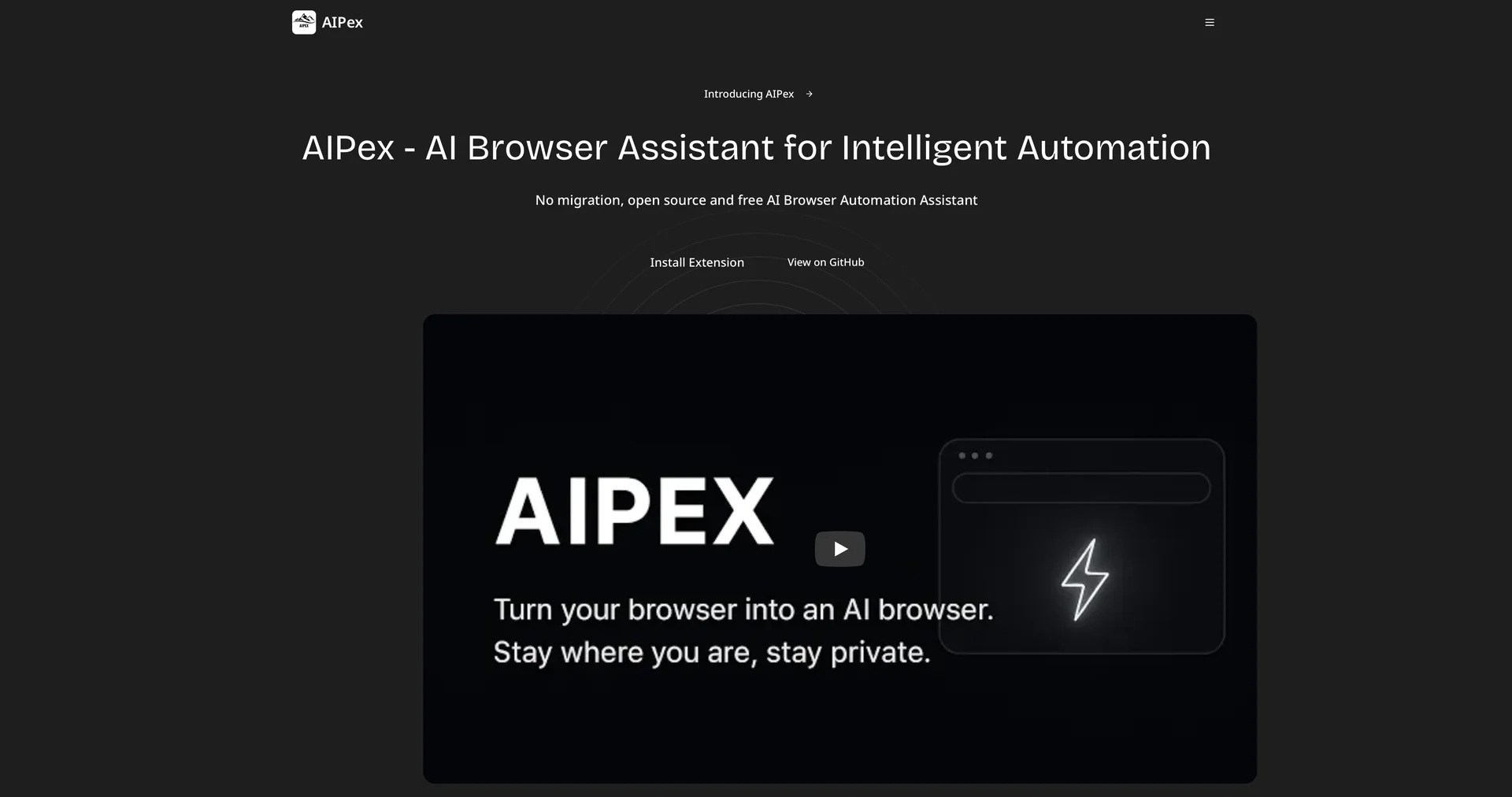
Description
🖼️Tool Name:
AIPex AI
✏️ Overview & AI Features (2026 Edition):
Zero Migration Agent: Unlike other AI browsers that require you to download a new application, AIPex lives as an extension in your current browser. You keep your bookmarks, history, and passwords.
Natural Language Control: You don't write code; you talk to your browser. You can type: "Find all 4-star hotels in London under £200, compare their reviews, and put them in a table."
Smart Visual Detection: (2026 Update) AIPex uses semantic and visual recognition. If a website changes its layout or button colors, the AI adapts and still finds the correct "Submit" or "Buy" button.
Privacy-First (BYOK): Your data stays on your machine. You can connect your own API keys from providers like Anthropic or OpenAI, ensuring that the service provider doesn't "own" your browsing data.
Complex Multi-Step Workflows: It can handle logic-based tasks across multiple windows. For example: "Log into my CRM, find new leads, search for their LinkedIn profiles, and draft a personalized intro message for each."
The @tabs Feature: A game-changer for researchers. It allows the AI to access the context of every open tab simultaneously to synthesize information or find contradictions across sources.
⭐️ User Experience (2026):
"The Developer's Power Tool": Rated 4.8/5 on the Chrome Web Store. It is highly praised for being Open-Source (MIT License), allowing the community to audit the code and build custom plugins.
💵 Pricing & Plans (February 2026 Status):
AIPex uses a flexible credit-based model depending on the AI model (GPT-5, Claude 3.7, etc.) you choose to use:
🎁 How to Get Started:
Visit the Chrome Web Store and search for AIPex. Once installed, press Ctrl+M(Windows) or Cmd+M (Mac) to open the assistant. Start with a simple command like "Summarize this page in 3 bullet points" to see the agent in action.
⚙️ Access or Source:
Official Website: (Also known as ClaudeChrome in some regions).
GitHub
Category: Browser Automation, AI Productivity, Web Agents.
Primary Use Case: Web research, data extraction, automated form filling, and cross-tab analysis.
🔗 Experience Link:
https://www.claudechrome.com