Description

️ 🖼Tool Name:
BGREM AI

🔖 Tool Category:
• Edit/Enhance/Upgrade Resolution
• Remove and replace elements and backgrounds
• Text and images to video
• Generate images from text
• Video, editing, and motion graphics
• Image design and creation
• Motion graphics, titles, and subtitles
• Style and batch conversion
• Smart interior design
• Integrations and API interfaces

️ ✏What does this tool offer?
A browser-based platform for processing images and videos using artificial intelligence.
• Easily and quickly remove backgrounds from images and videos.
• Change the sky in images and add/remove elements using Inpainting techniques.
• Generate images from text and convert images into animated videos.
• Convert images into different artistic styles such as anime and line art.
• Simple user experience that requires no editing skills.
• High-speed cloud processing and full automation of most operations with a single click.
• A credit system for processing images and videos.
• Ability to integrate the platform’s tools via API into external applications.

What does it actually offer based on user experience?
• Ease of use without requiring any technical or editing expertise.
• Fast results and high quality for image and video processing.
• Generation of diverse visual content (images, videos, art styles, anime, line art).
• A seamless experience based on automating most processes with a single click.
• Support for both individual users and businesses via the platform or API interface.

🤖 Does it include automation?
Yes, most image and video processing operations, such as background removal, sky replacement, element editing, generating images from text, or converting images to video, are performed automatically with a single click.

💰 Pricing Model:
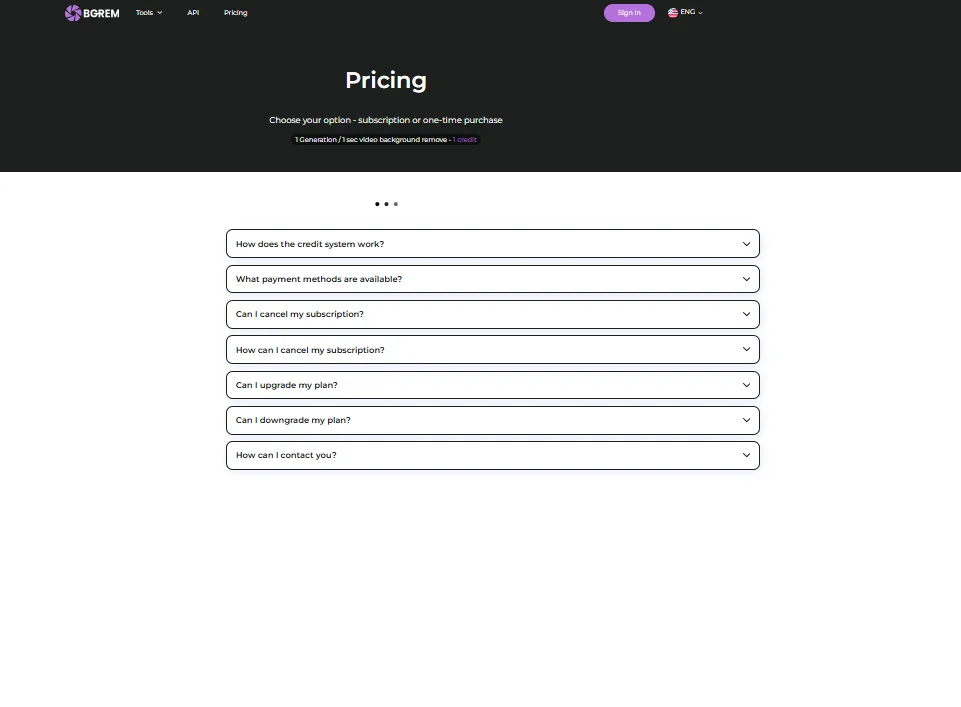
BGREM uses a credit system for each processing operation, whether it’s an image or a second of video.

🆓 Free Plan Details:
• You receive a limited number of credits upon registration.
• Some restrictions on the number of operations.
• A watermark appears on the output files.

💳 Paid plan details:
Monthly subscription:
• Starts at $4.99 for 100 credits.
• Pro plans offer up to 2,000 credits per month.
• Watermark removal, technical support, faster processing.

Pay As You Go:
• Packages start at 25 credits for $4.99.
• Flexible usage as needed without a monthly subscription.

🧭 How to access the tool:
• Directly via your browser from the official website.
• Create an account and upload photos or videos for processing.
• Select the desired tool and receive the result after automatic processing.
• Ability to integrate the platform’s tools via an API into third-party applications.

🔗 Demo link or official website:
https://bgrem.ai


Pricing Details

BGREM’s pricing model is based on a credit system for each processing operation, whether it’s an image or a second of video. The platform offers a free plan that grants users a limited number of credits upon registration, with some restrictions on the number of operations, and a watermark appears on the resulting files. For paid plans, BGREM offers a monthly subscription starting at $4.99 for 100 credits, and professional plans are available up to 2,000 credits per month, with additional features such as watermark removal, dedicated technical support, and faster file processing. Additionally, the platform offers a Pay-As-You-Go option, where users can purchase packages starting at 25 credits for $4.99, giving them complete flexibility to use credits as needed without a monthly subscription. This system allows every user to choose the plan that best suits their usage needs, whether casual or professional, while ensuring easy control and customization of processing operations.