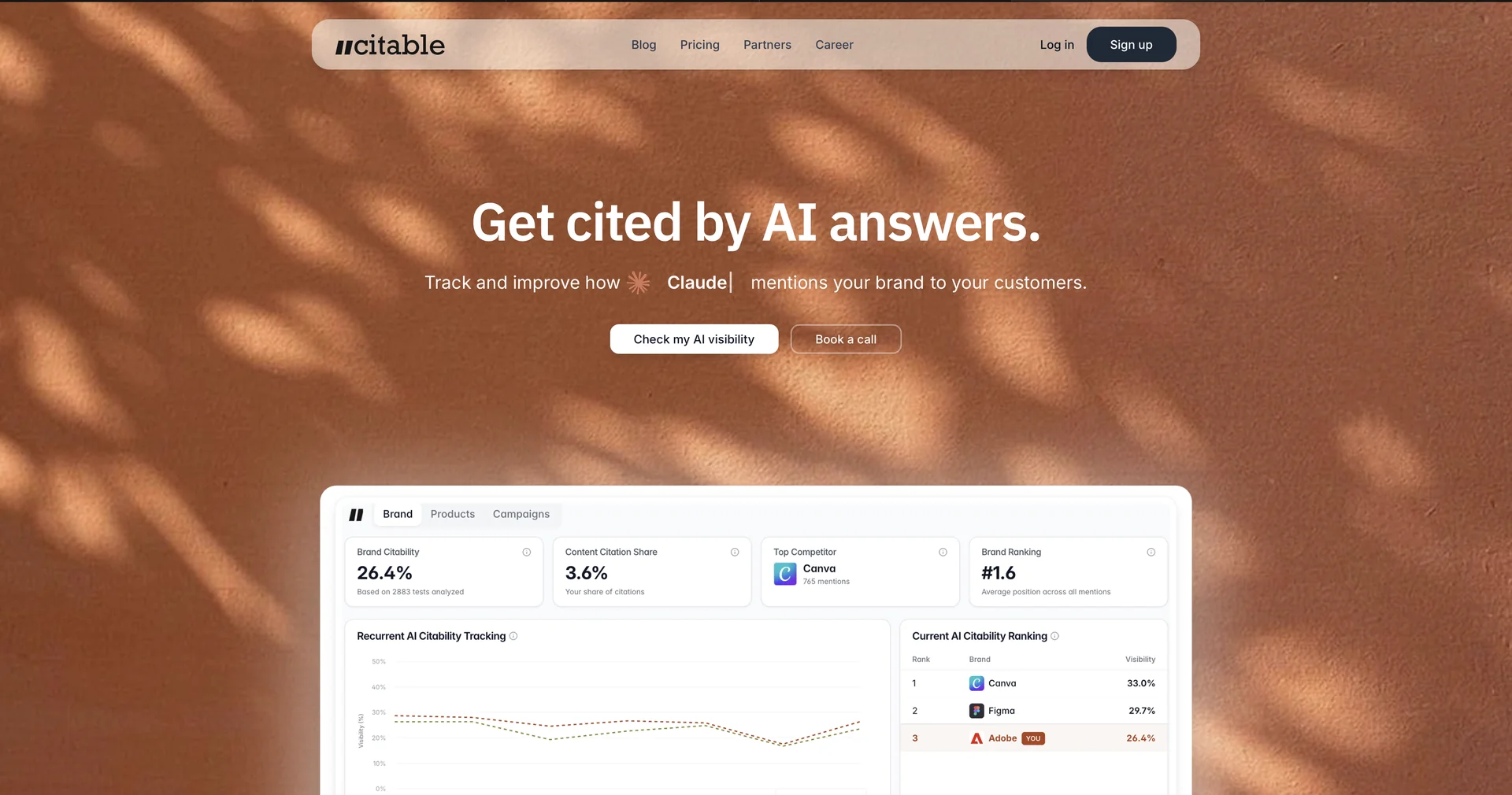
Description
🖼️Tool Name:
Citable
✏️ What does this tool offer in 2026?
Instant Research & Citation: Citable is a streamlined productivity tool (primarily a Chrome Extension) that allows researchers, students, and writers to highlight text on any webpage and instantly turn it into a formatted citation.
Auto-Metadata Extraction: In 2026, its AI engine is significantly faster at "sniffing out" elusive metadata. It automatically pulls authors, publication dates, publishers, and URLs even from poorly formatted websites.
Google Sheets Integration: A core feature that distinguishes Citable from other citation managers is its direct sync with Google Sheets. Every "cite" you make is exported to a spreadsheet of your choice, acting as a real-time, collaborative bibliography.
Smart Tagging & Categorization: When you save a citation, the AI suggests relevant "Tags" based on the content of the page, helping you organize large research projects (e.g., tagging by "Market Research," "Competitor Data," or "Scientific Paper").
BibTeX & Citation Style Support: Supports thousands of styles, including APA, MLA, Chicago, and Harvard, and provides a one-click export for BibTeX, making it a favorite for those working with LaTeX or Overleaf.
Note-Taking in Context: Allows you to attach a brief note or "Research Insight" to each citation at the moment of capture, which is then saved alongside the link in your Google Sheet for later review.
⭐️ User Experience (2026):
"The Minimalist's Zotero": Rated 4.6/5 in academic circles. It is highly praised for being "low friction"—it doesn't require a heavy desktop app. Users love that their research is stored in a familiar Google Sheets environment rather than a proprietary database.
💵 Pricing (April 2026 Status)
Citable maintains a very accessible pricing structure, often used as a free alternative to more complex academic software:
🎁 Free Version:
The Standard Extension is completely free to use for individual researchers. You can sync an unlimited number of citations to your Google Sheets without ever hitting a paywall, making it one of the most cost-effective research tools in 2026.
⚙️ Access or Source:
Chrome Web Store
Official Website
Categories (Based on your research and design workflow):
Study Assistants & Notes (Primary function).
Summaries, Headlines & Ideas (For capturing and organizing research snippets).
No-Code Workflows (Direct integration with Google Workspace).
Analytics & Dashboards (Using Google Sheets to track research volume).
🔗 Experience Link:
https://getcitable.com/