Whimsical AI Mind Maps
Description
🖼 Tool Name:
Whimsical AI Mind Maps
🔖 Categories:
Summaries, Headlines & IdeasTasks & ProjectsNo-Code Workflows
✏️ What does this tool offer?
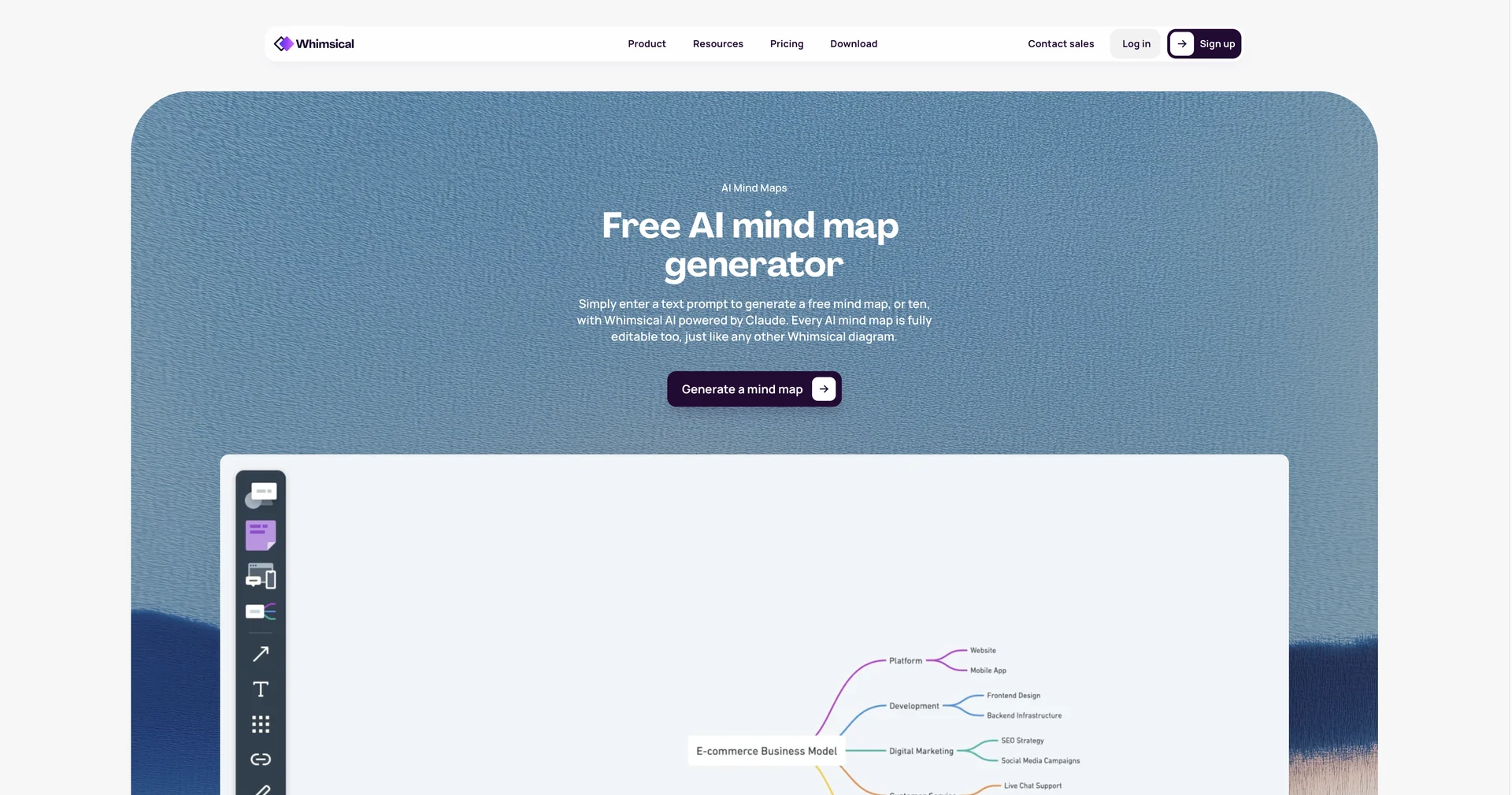
AI-Powered Infinite Ideation Canvas: Whimsical AI Mind Maps integrates an intelligent generative brainstorming layer directly into an infinite collaborative whiteboard canvas. It is engineered for product managers, UX designers, and creative teams to map out complex concepts and structural workflows without getting bogged down by manual design layout work.
Contextual Node Expansion (Anthropic Claude Core): Powered directly by Anthropic's Claude models, users can select any single text node on a mind map and click a dedicated AI button (
✨) to instantly generate up to 5 highly relevant, context-aware child branches.Deep-Dive Multi-Tier Iteration: When expanding branches, the underlying engine automatically reviews parent and sibling nodes to maintain strict semantic alignment, allowing users to rapidly build out deep, multi-tiered hierarchy diagrams with continuous logical consistency.
Manual Prompt Injection Overrides: Users can place specific questions or directional command blocks (e.g., "What are the key security risks for this step?") directly into custom nodes, forcing the AI to tailor subsequent branches precisely to that specific analytical angle.
Automatic Intelligent Formatting Matrix: Features real-time structural layout logic and curated color palette updates. As the AI populates or rearranges elements across the infinite canvas, branches automatically shift and re-colorize dynamically to keep everything scannable.
Desktop MCP Integration (Developer Mode): Extends functionality through a desktop Model Context Protocol (MCP) server, allowing external coding assistants (like Cursor, Claude Code, and GitHub Copilot) to directly visualize your local codebase architectures, generate system wireframes, and map live workflows from raw text instructions.
⭐ What does it actually offer based on user experience?
Instant Escape from Brainstorming Bottlenecks: Product teams and writers emphasize that clicking a node to generate 5 fresh sub-angles instantly smashes creative writer's block and reveals blind spots they completely overlooked.
Maintains Absolute Momentum (Flow State): Users highly praise the pairing of robust keyboard shortcuts with automatic visual branch mapping, noting that it lets ideas expand smoothly across the whiteboard without distracting pixel-pushing adjustments.
True Multiplayer Alignment: Cross-functional teams value the smooth real-time collaboration and targeted inline commenting loops, which make pulling distributed engineering, design, and marketing concepts into a single, cohesive canvas painless.
🤖 Does it include automation?
Yes, Whimsical runs background geometric restructuring and LLM context compilation on autopilot:
Automated Visual Restructuring: Programmatically calculates node spacing and shifts existing canvas objects dynamically to prevent overlapping.
Autonomous Context Bundling: Automatically strings together localized historical node paths to feed the AI engine highly precise, contextual instructions.
Automatic Palette Color-Mapping: Autonomously formats newly spawned branch paths into distinct color tiers to maintain structural hierarchy at a glance.
💰 Pricing Model
Item Details: Freemium / Tiered Monthly Per-User Workspace Subscription.
General Concept: Whimsical manages a unified pricing track where basic board creation and initial sandbox AI quotas are available for casual teams. Lifting limits on workspace document sizes, unlocking massive monthly AI execution pools, and deploying enterprise safety features scale through standard monthly per-editor tiers.
🆓 Free Plan Details
Feature: Open Collaboration Starter Pack.
Details: Unlocks basic diagramming boards, up to 5 real-time guest viewers, 5MB file uploads, a 7-day version history track, and a lifetime allocation of 100 AI actions per editor.
Cost: Free ($0 entry-track tier).
💳 Paid Plans (Official 2026 Standards)
Upgrades remove active project limitations, expand cloud storage capacity, and assign higher monthly AI actions.
🧭 How to access the tool:
Interactive diagrams can be constructed, complex code architectures mapped via MCP, and automated concept trees generated by launching a fresh board space directly at.