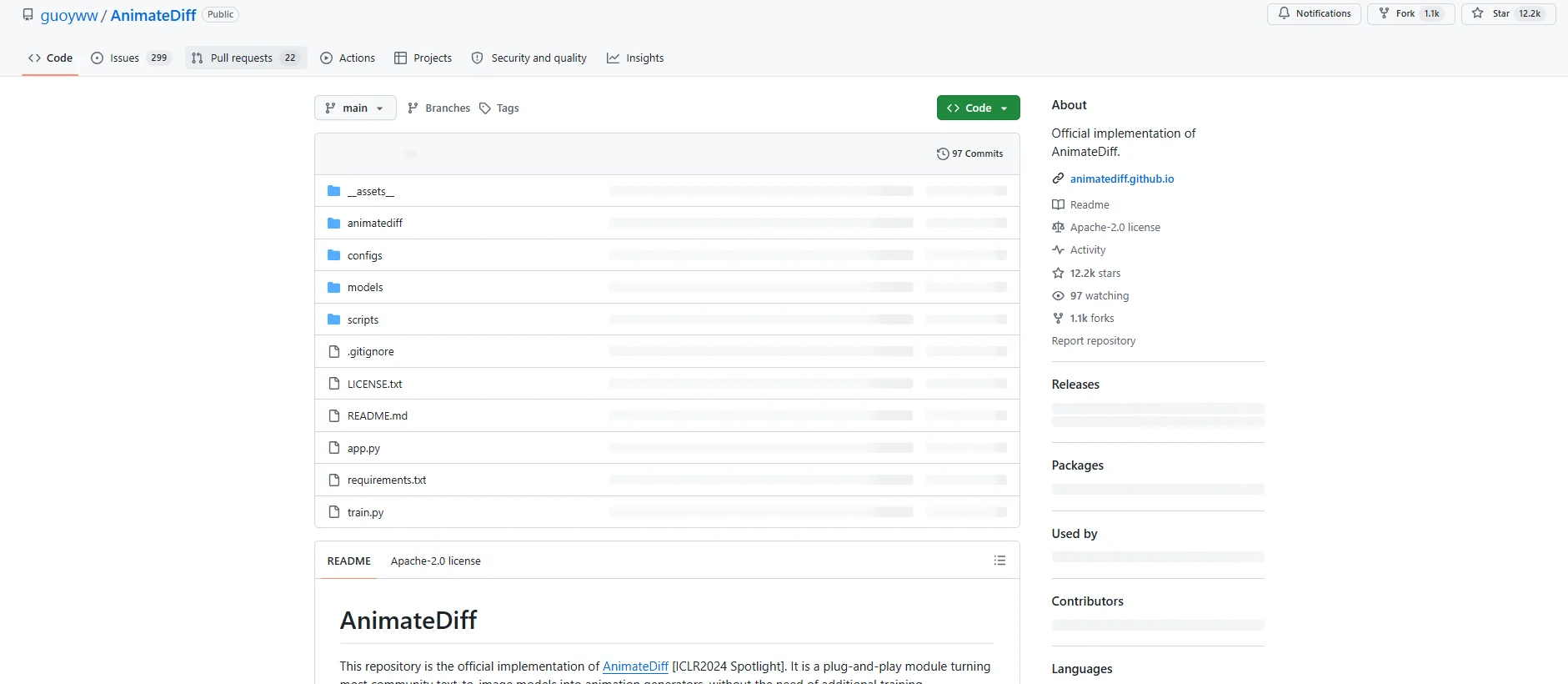
Description

️ Tool Name: 🖼

AnimateDiff

Categories: 🔖

Text and Images to Video

Generate Images from Text

Video, Editing,Motion Graphics, Design, andImage Creation

Programming and Development

Databases and Modeling

  • Automation and Smart Agents

️ What does this tool offer? ✏

AnimateDiff is an open-source project that uses artificial intelligence to transform text-to-image generation models -to-Image Diffusion Models into models capable of generating animations and short videos, without the need for additional model-specific training.

AnimateDiff was developed as a framework that allows users to add a Motion Module to custom Stable Diffusion models, enabling them to produce animated videos while preserving the quality of the original images.

The tool relies on Plug-and-Play Motion Moduletechnology, where the Motion Module can be integrated with existing image models to transform them into animation generators without the need to completely reconfigure the model.

AnimateDiff’s capabilities include:

  • Creating videos and animations from AI-powered image models.
  • Adding motion to custom models built on Stable Diffusion.
  • Producing realistic movements based on motion patterns extracted from videos.
    MotionLoRA support for customizing motion patterns such as:
    • Zoom In.
    • Zoom Out.
    • Pan.
    • Tilt.
    • Rolling.

The project version also supports:

  • Stable Diffusion V1.5.
  • Stable Diffusion XL via the SDXL-Beta branch.

It also includes SparseCtrl technology, which allows for greater control over video generation using minimal inputs such as images or drawings.

What does it actually offer based on user experience? ⭐

  • Converting still images into animated clips.
  • Adding motion to various Stable Diffusion models.
  • Creating short videos based on text prompts and image models.
  • Preserving the visual identity of the model used while adding motion.
  • Producing motion effects for the camera and characters.
  • Integrate with tools such as ComfyUI and Stable Diffusion WebUI.
  • Provide ready-to-use motion models across multiple versions.

Does it include automation? 🤖

Yes, AnimateDiff relies on AI-powered automation to generate motion, including:

  • Automatically adding motion to images and models.
  • Learning motion patterns from videos.
  • Integrating motion modules with Stable Diffusion models.
  • Creating videos without having to design each frame manually.

It also relies on pre-built modules such as:

  • Motion Module.
  • MotionLoRA.
  • Domain Adapter.

Pricing model: 💰

Free and open source.

The project is available for use via the official GitHub repository and is licensed under the Apache-2.0 License.

🆓 Free Plan Details:

FeatureDetails
PriceFree
Project TypeOpen Source
LicenseApache-2.0
Code AccessAvailable on GitHub
Using the TemplateAvailable for download and use

Paid plan details: 💳

PlanPriceFeatures
No paid plansThe project is completely free and open source

How to access the tool: 🧭

How to accessAvailable
GitHub Repository
Local Execution
Stable Diffusion
Diffusers from Hugging Face
ComfyUI
Stable Diffusion WebUI
Official APINot listed (unconfirmed)
Mobile AppNot listed (unconfirmed)

Demo link or official website: 🔗

https://github.com/guoyww/AnimateDiff

Official project website:
https://animatediff.github.io

Pricing Details

The tool is based on a free, open-source pricing model; the entire project is available for use via the official GitHub repository and is licensed under the Apache-2.0 License. The free version allows you to use the project at no cost, with access to the source code via GitHub; you can also download the template and use it directly. There are no paid plans, as the project is completely free and open source and does not require a subscription or fees to access all its features. The tool can be accessed through the project’s official GitHub repository, where the code and instructions for downloading and using it are available.