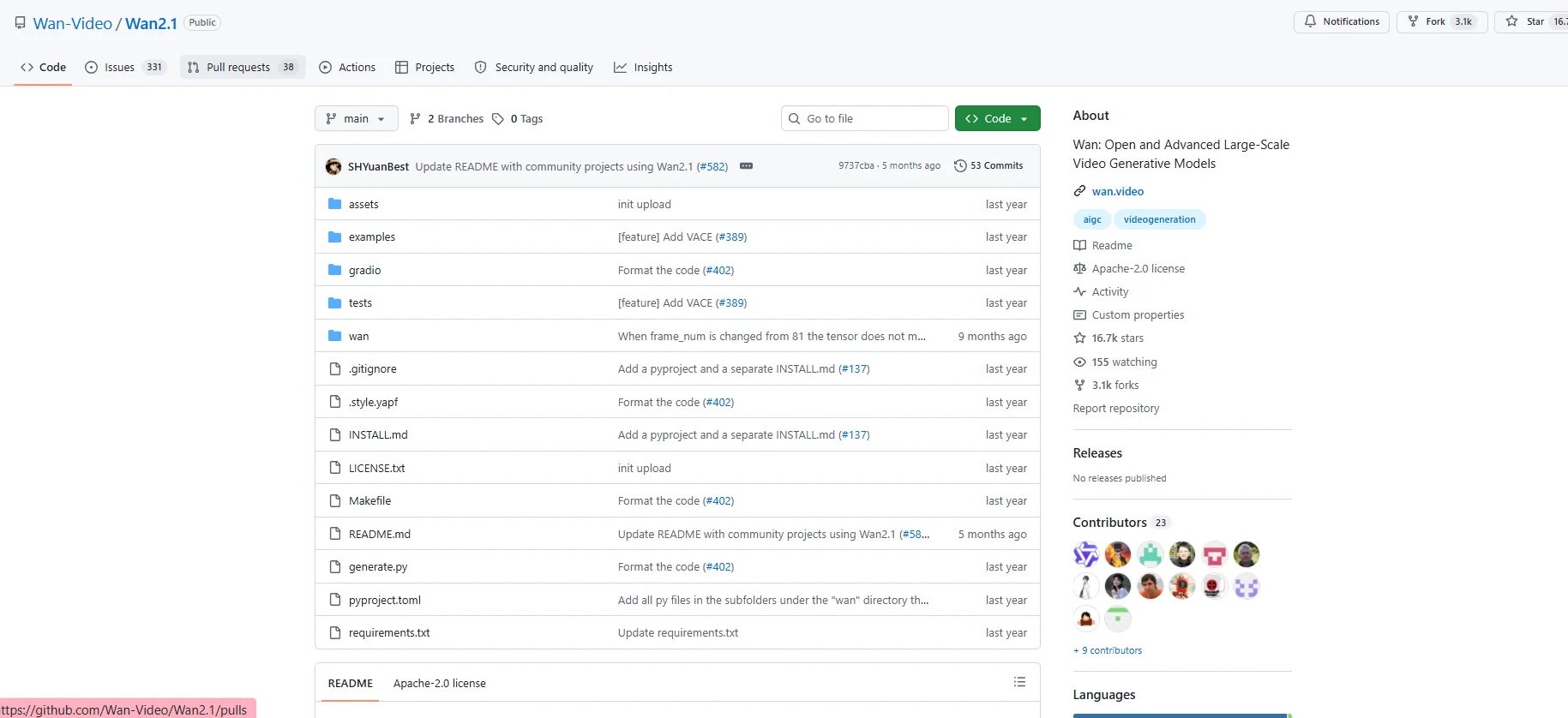
Description

️ Tool Name: 🖼

Wan2.1

Categories: 🔖

  • Text and Photos to Video
  • Video, Editing, and Motion Graphics
  • Generate Images from Text
  • Editing/Enhancement/Resolution Up
  • Video Ideas and Scripts
  • Music and Effects Generation
  • Programming and Development
  • Databases and modeling

️ What does this tool offer? ✏

Wan2.1 is an open-source model for creating videos using artificial intelligence, developed as an advanced system for large-scale generative video models ( Video Foundation Models).

Wan2.1 enables the creation and processing of videos using artificial intelligence through several tasks, including:

  • Text-to-Video:
    Generating videos from text descriptions.
  • Image-to-Video:
    Converting still images into moving videos.
  • Video Editing:
    Edit videos using user commands and instructions.
  • Text-to-Image:
    Create images from text.
  • Video-to-Audio:
    Generating or processing audio associated with a video.

The model is based on the Diffusion Transformer architecture and techniques such as:

  • The Wan-VAE model for compressing and processing video data.
  • Large-scale training on images and videos.
  • Automated evaluation techniques to improve the quality of results.

Wan2.1 provides a set of models in various sizes, including:

  • 1.3B Parameters
  • 14B Parameters

It also supports the creation of videos at different resolutions depending on the model used, including:

  • 480P
  • 720P
  • Support for encoding and decoding 1080P videos via Wan-VAE.

The project is open source and provides:

  • source code.
  • Model weights.
  • Running files.
  • Use cases.

It is available on the official GitHub repository under the Apache-2.0 license.


What does it actually offer based on user experience? ⭐

  • Creating videos from text using artificial intelligence.
  • Converting images into animated videos.
  • Providing an open-source model that can be run locally.
  • Support for consumer-grade graphics cards with the smaller model.
  • Integration with tools such as ComfyUI and Diffusers.
  • Providing multiple models to suit different needs in terms of quality and processing speed.
  • It can be used in research and development projects and for creating visual content.

According to official information, the T2V-1.3B model can operate with approximately 8.19 GBof VRAM,making it compatible with a wider range of consumer graphics processing units.


Does it include automation? 🤖

Yes, Wan2.1 relies on automation for content creation through AI models.

Automation includes:

  • Automatically converting text to video.
  • Converting images into videos.
  • Performing video edits based on instructions.
  • Generating visual content without the need for traditional filming.

It can also be integrated into software workflows using the source code and available templates.


Pricing model: 💰

Free and open source.

Wan2.1 does not operate as a paid subscription service; rather, it is provided as an open-source project that can be downloaded and run locally.

This includes:

  • The code.
  • Templates.
  • Runtime tools.


🆓 Free Plan Details:

FeatureDetails
PriceFree
Usage TypeOpen Source
Source CodeAvailable
Model weightsAvailable
LicenseApache-2.0
RuntimeLocally after installing the dependencies


Paid Plan Details: 💳

PlanPriceFeatures
No paid plansNot availableThe project is open source and does not rely on paid subscriptions.

How to access the tool: 🧭

MethodAvailable
WebNot specified
AppNot specified
APINot officially listed
GitHub Repository
Local execution
ComfyUI / Diffusers

You can install the project by cloning the repository and installing the dependencies using Python.


Demo link or official website: 🔗

https://github.com/Wan-Video/Wan2.1

Pricing Details

Wan2.1 is based on a free and open-source model, so it does not require any monthly subscription or paid plans to use it. The source code, model weights, and runtime files are provided free of charge under the Apache-2.0 license, and users can download and run them locally on their devices after installing the necessary requirements. There are no fees for using the model itself, but users may incur optional infrastructure-related costs, such as purchasing or renting GPU servers to run large models or process high-resolution videos.