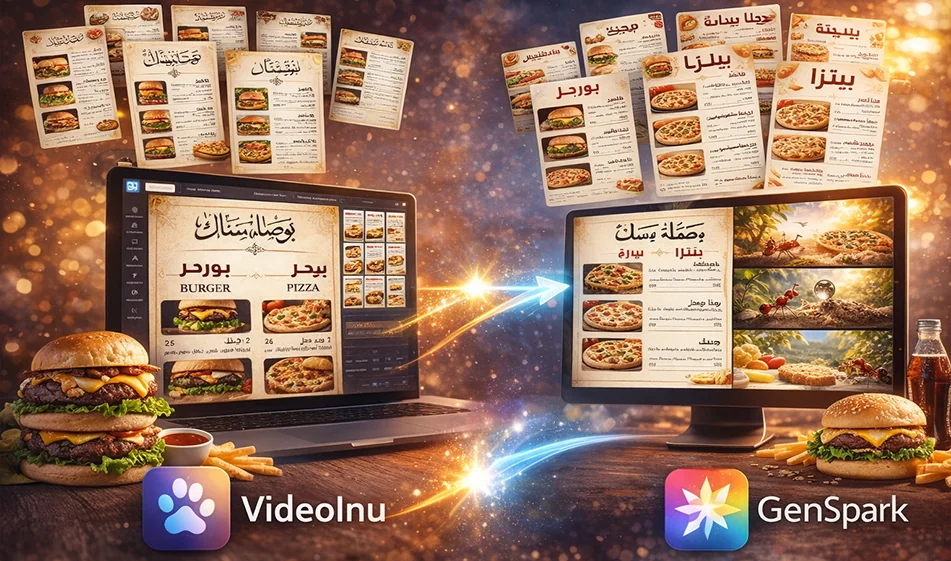
Comparison of VideoInu (Image Generator) and Genspark AI Image for Designing an Arabic Menu for a Fast-Food Restaurant
If you want to design an attractive Arabic menu for a fast-food restaurant (burgers/pizza/shawarma) quickly, both tools can help you generate a visual design based on a description you write. However, the practical differences lie in: layout consistency, image quality within the menu, and the accuracy of the Arabic text within the design.
Website links:
https://www.genspark.ai/ai_image
and
https://videoinu.com/app/generator/image
A tip before comparing: In most image generators, Arabic text within the image may sometimes appear unstable. Therefore, there are two methods:
- Method 1 (the safest): Generate the image without text,then add the Arabic text later in Canva.
- Method 2 (for the daring): Request Arabic text within the image with clear specifications and a specific Arabic font.
1) VideoInu (Image Generator): When is it the better option?
It’s best for you if you want:
- Strong, fast visual designs with an advertising style (colors, lighting, eye-catching elements).
- Generate “scenic” images of meals (delicious burgers, fries, drinks) to include in your menu.
- Quickly experiment with different styles to achieve a trendy look.
Clear Strength: Excellent for producing “appetizing” food images with attractive backgrounds and lighting, suitable for use in menus.
Common Challenge: If you request a “full menu with a lot of Arabic text,” the text may appear inaccurate or the layout may be cluttered.
2) Genspark AI Image: When is it a better choice?
It’s a better fit if you want:
- Generate a design closer to a “ready-made poster/menu” with a more organized layout.
- A clean menu background with clear space for sections.
- More calm and organized results (especially if you request a “professional menu design” instead of a random scene).
Clear Strength: It helps you produce a balanced design, close to the look of a menu, with organized sections and spacing.
Common Challenge: If the food images within the design are poor, you’ll need to generate separate food images and then integrate them.
✅ The “Best of Both Worlds” Approach (Combining the Strengths of Both Tools)
Instead of relying on a single result, follow this plan:
- Step 1: Use a tool to generate a clean , text-free “menu template” (background + sections + colors).
- Step 2: Use the other tool to generate separate images of appetizing dishes (burgers/pizza/fries).
- Step 3: Combine everything in Canva and write the Arabic text in a fancy, clear font.
This way, you’ll get:
- A clean layout
- Appetizing images
- Proper Arabic text
3) The Al-Adil Compass Test (10 minutes to determine the best)
Ask both tools for the same thing:
- Vertical menu 1080×1350 or 1080×1920
- Fast-food restaurant
- Only3 sections: Burgers / Pizza / Drinks
- No text inside the image (for the first test)
Then rate:
- Clean layout
- Clear space for sections
- Color appeal
- Realism of food images
- Ease of adding text later
4) Ready-made templates (Arabic menu in two styles)
The Safe Method (No Text Inside the Image)
Clean menu template:
“Professional menu design for a fast-food restaurant, vertical layout, clean dark background with red and yellow accents, clear division into 3 sections with blank cards for titles and prices to be added later, appetizing photos of burgers, pizza, fries, and drinks, advertising lighting, modern style, no text or logos within the design.”
Separate food images (to be created separately):
“A realistic advertising photo of an appetizing burger with fries and a drink, studio lighting, simple background, high detail, no text.”
The Bold Approach (Arabic text within the image)
“A professional Arabic menu design for a fast-food restaurant, vertical layout, red, black, and yellow colors, three clear sections: burgers, pizza, drinks. Write the Arabic text in a clear, elegant Arabic font, aligned from right to left, with no spelling errors and no letter separation. Keep the text short and clear. No watermarks.”
Bousla Tip: If the Arabic text appears incorrect, revert to the safe method and add the Arabic later in Canva.
⭐ Busla’s Tips for a Successful Fast Food Menu
- Don’t include more than 3 sections in a single design (to avoid clutter).
- Keep each item to a single line: name + price.
- Use one strong image per section instead of many small images.
- Leave clear space for the title and offer (e.g., “Combo Offer”).
📌 Compass Summary
- VideoInu is often better at producing appetizing, ad-style food images.
- Genspark is often better for designing a balanced, editable menu.
And the best practical approach: split the task (menu template + meal images) and then add Arabic text later using a reliable font.
For more AI tools: bosala.ai