💡 Compass Tip
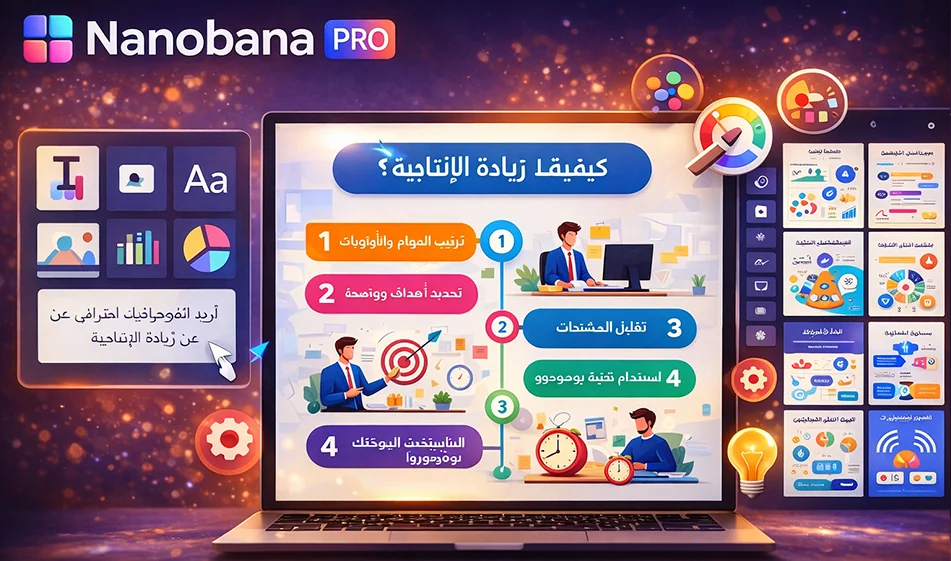
If you want a professional-looking Arabic infographic that's ready to publish without starting from scratch, NanoBanana Pro helps you generate a complete infographic design with artificial intelligence: clear visual layout, icons, coordinated colors, and properly formatted Arabic text.
️ ⚙ Steps (practically)
- Choose only one idea for the infographic (do not include more than one topic).
- Prepare the content in 4–6 short points, with each point not exceeding 10 words.
- Open NanoBanana Pro andchoose a style: Infographic / Poster / Social Design.
- Paste the prompt (claim) and request:
- Vertical design 1080×1350 or 1080×1920
- Clear Arabic fonts
- Simple icons
- Strong contrast between titles and text
- Generate 3 copies, then choose the best one and edit the text within the design as needed.
- Export the design in PNG formatfor publishing, or PDF for printing.
Prompt ready for Arabic infographics (copy and edit between brackets)
“Design a professional Arabic infographic without pictures of people, vertical design 1080×1350, harmonious and modern colors, large title at the top, then 5 points arranged within cards, with simple icons for each point, clear Arabic fonts without decoration, strong contrast, comfortable white spaces, modern style suitable for social media.
Title: (Write the title here)
Points:
- (Point 1)
- (Point 2)
- (Point 3)
- (Point 4)
- (Point 5)
Add a small line at the bottom: For more artificial intelligence tools: bosala.ai”
🎯 Ready-made sizes according to the platform
- Instagram post: 1080×1350
- Story/Reels: 1080×1920
- YouTube Community/Image: 1920×1080 (if you want it horizontal)
Golden Compass Tip
To make your Arabic infographic look "clean":
- Make each point a very short sentence
- Use numbers 1–5 for easy reading
- Request "clear Arabic font" and "right-to-left alignment."
- If the text appears crowded, reduce the number of points instead of reducing the font size
Summary
NanoBanana Pro makes professional Arabic infographic design a matter of minutes: a clear idea + short bullet points + the right prompt = a design ready for quick publication.
For more AI tools: bosala.ai